EDB file Recovery

Previous Topic Next Topic
 
classic Classic list List threaded Threaded
2 messages Options
Reply | Threaded
Open this post in threaded view
|

EDB file Recovery

carry
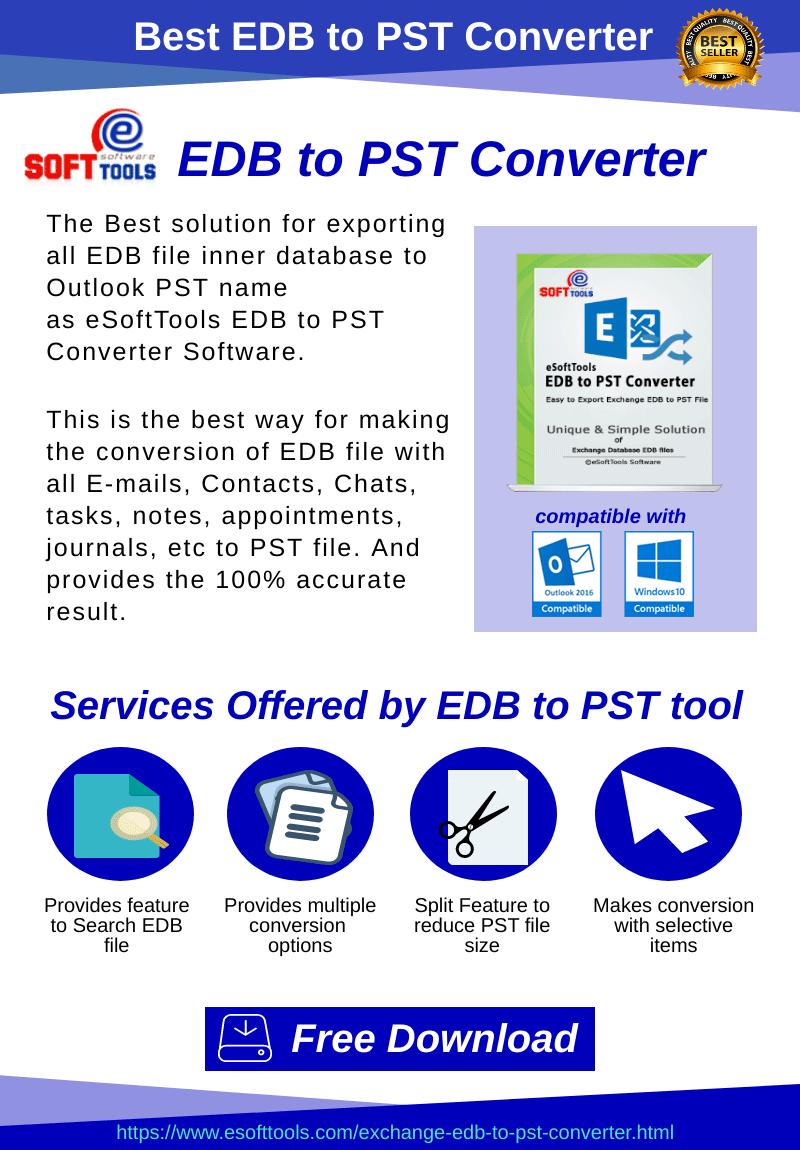
Download eSoftTools EDB to PST Converter software for the quick recovery of the destroyed database from the EDB file. It first examines the EDB file extract the corruption producing errors to re-open the EDB file and later displays the real preview of mailbox folders/sub-folders items (calendars, tasks, subject, attachments, appointments, journals) while EDB file recovery Exchange to collect them selectively that preserves the processing time and space.

Get Know More:- eSoftTools EDB to PST Converter software
Reply | Threaded
Open this post in threaded view
|

Re: EDB file Recovery

Akshay_M
This method comprises of five separate steps that are listed below one by one.

STEP 1. CHECK FOR THE CONSISTENCY OF EXCHANGE DATABASE
Start with checking the consistency of the database. To do so, Open the Eseutil Utility from the \EXCHSRVR\BIN directory location and execute the command:

eseutil/mh

Afterward, you will encounter two outputs. Either it shows ‘Clean’ database shutdown state or it may show ‘Dirty’ database shutdown state. For the Clean database shutdown state, you need to perform transferring of all transaction log files from the folder and then mount the stores.

When the database shutdown state is Dirty, follow the next one.

STEP 2. CHECK FOR THE REQUIRED LOGS STATUS
If there is a Dirty Database Shutdown state, check if the ‘Required’ log files are present. To do the same, run the command:

eseutil/ml

This will show the log files are healthy or not.

STEP 3. PERFORM RECOVERY ( SOFT OR HARD )
If the output shows that log files are healthy, then perform Soft Recovery by this command-

eseutil /r /l “log files path location” /d “ database path location”

After this, mount the stores. It will fix exchange database corruption. In case you again encountered database mismatch error, rectify it by running the command.

eseutil / i “log files path location” /d  “database path location”

While the log files are unhealthy it is required to perform the Hard Recovery. Before moving towards this solution, you need to restore the database from backup.  Aftward, you will see a file named restore.env is created at a temporary location. Copy this folder and past it at your desired location. Now run this command to perform Hard Recovery-

eseutil / cc “restore.env file folder path”

If this temporary folder has nothing in it, then Hard Recovery is successful. In case you do not have a backup, then you execute this command to perform the Hard Recovery.

eseutil /p

Then select OK and recovery is performed.

STEP 4. PERFORM DEFRAGMENTATION
User needs to defrag the database offline to organize the information stored on the system. To do so, run this command-

eseutil / d

STEP 5. MOUNTING AND DEMOUNTIG OF STORES
Once defragmentation is successfully performed then mount and demount the stores.

These above-mentioned steps tell us how we can perfom the Exchange EDB Recovery manually using Eseutil commands.
